
Short answer: Most people get into healthcare IT through a general IT support job (help desk, desktop support or field services) at a hospital, imaging center, clinic or healthcare vendor, then specialize. Build solid fundamentals in Windows, networking and troubleshooting, learn how clinical workflows work, pick a specialty such as imaging (PACS, DICOM), EHR applications or interfaces (HL7), and back it up with a recognized certification. You don’t need a clinical license, but you do need to understand the people and patients your systems serve.
I’ve spent more than 20 years in healthcare IT, much of it in medical imaging: PACS administration, DICOM integrations, AI tools for radiologists and speech recognition rollouts at hospitals and clinics. People here in Murrieta and Temecula often ask me, “How do I get into what you do?” This is the honest answer I give them.
What “healthcare IT” actually includes
Healthcare IT is not one job. It’s a family of roles that keep hospitals, clinics and imaging centers running:
- Help desk and desktop support: workstations, printers, badge readers, logins and the hundreds of devices on a hospital floor.
- EHR applications: building and supporting the electronic health record (Epic, Oracle Health/Cerner, MEDITECH and others) for doctors, nurses and billing staff.
- Imaging informatics: PACS, RIS, VNA and the DICOM connections between scanners, viewers and archives. This is my home turf.
- Interfaces and integration: moving data between systems using standards like HL7 and FHIR.
- Infrastructure and security: servers, networks, cloud, backups and protecting patient data under HIPAA.
- Vendor roles: implementation, field service and support engineers who work for the companies that sell these systems.
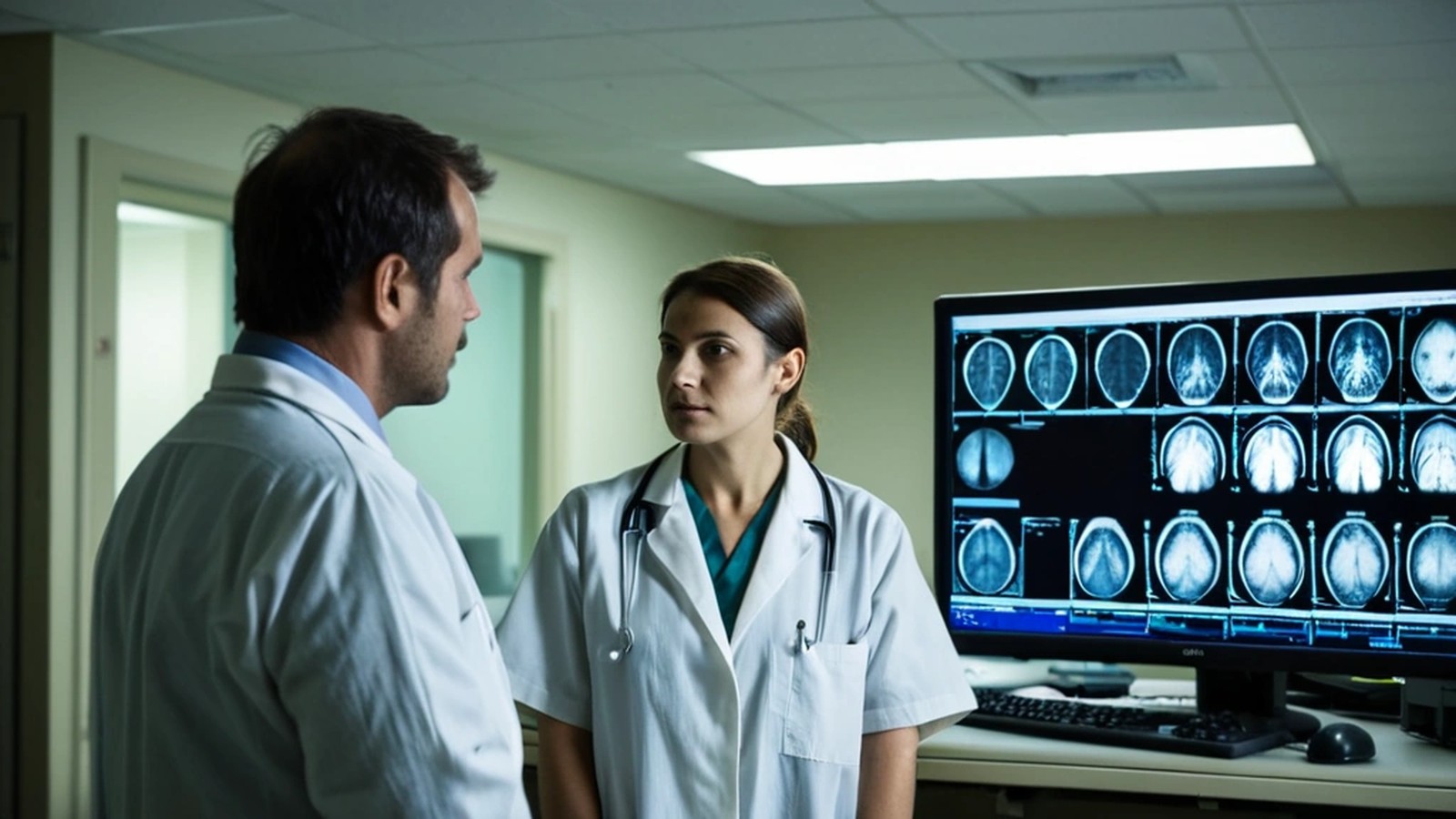
The most common entry points
You rarely start as a “PACS administrator” or “Epic analyst” on day one. Realistic first jobs include:
- IT help desk or service desk at a hospital or health system. You’ll learn the environment, the people and the systems fast.
- Desktop or field support technician. Walking the floors teaches you clinical workflow better than any course.
- Imaging or radiology department roles. Some of the best PACS administrators I know started as radiologic technologists and moved into IT because they understood the workflow.
- Vendor support or implementation roles. Healthcare software companies hire support staff and train them on their own products.
- Smaller clinics and practices. A dental office or medical group may need one person who “does everything,” which is a great way to learn.
Skills that matter more than you think
Technical fundamentals. Be comfortable with Windows and basic Linux, Active Directory, networking (IP addresses, DNS, firewalls), and methodical troubleshooting. Everything else sits on top of this.
Clinical workflow. Learn how an order becomes a study, a study becomes a report, and a report reaches the doctor. If you understand why a radiologist cares about a hanging protocol or why a tech can’t wait 10 minutes for a login, you’ll be far more valuable.
Communication. You’ll support physicians, nurses, technologists and executives, often under pressure. Calm, clear communication matters as much as technical skill.
Documentation and change control. Healthcare systems touch patient care. Careful notes, testing and following change processes are part of the job.
If imaging appeals to you, our article on what a PACS administrator actually does over at Sacred Heart Imaging Solutions walks through the daily duties in detail.
Certifications worth considering
Certifications won’t replace experience, but they help you get the interview:
- CompTIA A+, Network+ and Security+ for core IT skills.
- PACS-focused certifications such as those offered by PARCA (for example CPAS) once you’re heading toward imaging.
- CIIP (Certified Imaging Informatics Professional) from ABII, aimed at people with imaging informatics experience.
- EHR vendor certifications (Epic, for example), which are usually earned through an employer that sponsors your training.
- Cloud certifications (AWS or Azure fundamentals), since more healthcare systems are moving to the cloud.

A simple 90-day plan to get started
- Days 1–30: Study for CompTIA A+ or Network+. Set up a small home lab with an old PC to practice Windows, Linux and networking.
- Days 31–60: Learn the basics of DICOM and HL7 from free vendor and standards resources. Install a free DICOM viewer and look at sample images so the terms feel real.
- Days 61–90: Update your resume to highlight troubleshooting and customer service, set up job alerts for “IT support,” “service desk” and “PACS” at local hospitals, imaging centers and healthcare vendors, and reach out to people already in the field on LinkedIn.
In Southwest Riverside County, that includes hospitals, imaging centers, medical groups and clinics around Murrieta, Temecula, Menifee and the Inland Empire, plus remote roles with vendors nationwide.
What colleagues value
After two decades, what stands out in the work isn’t one certification. It’s trust and follow-through. Daniel Mercado, Sr. Manager at Konica Minolta Healthcare Americas, wrote this in a LinkedIn recommendation: “Cesar builds trust with his clients. His primary focus is on the customer experience… Cesar would be a valuable addition to any organization.” That focus on the people behind the systems is the habit I’d encourage anyone entering this field to build first.
Frequently asked questions
Do I need a degree to work in healthcare IT? Not always. Many entry-level support roles accept experience and certifications. A degree in computer science, engineering or health informatics can help for analyst, engineering and leadership roles.
Do I need clinical experience? No, but understanding clinical workflow is a big advantage. Shadowing, asking questions and learning the terminology goes a long way.
Can healthcare IT jobs be remote? Some can, especially vendor support, implementation and application roles. Hands-on support and many hospital roles still require being on site at least part of the time.
Is imaging informatics a good specialty? It’s a niche with steady demand, because every hospital and imaging center depends on PACS, and the systems keep evolving with cloud and AI tools.
Want to talk through your path?
I’m Cesar Ramirez, an engineer with 20+ years in healthcare IT and the founder of A. Computer Doctor in Murrieta. Whether you’re trying to break into healthcare IT, switch from a clinical role into informatics, or you run a practice that needs help with its imaging and IT systems, book a free 30-minute call and we’ll map out your next step together.